
Getting Started
API Keys
Our Developer API uses API Keys for controlling access.
Creating API Keys
API Keys can be created and managed using the Reelyze Customer Portal.
To create a new key, choose Configuration / Integrations from the side menu and select the API Keys tab.
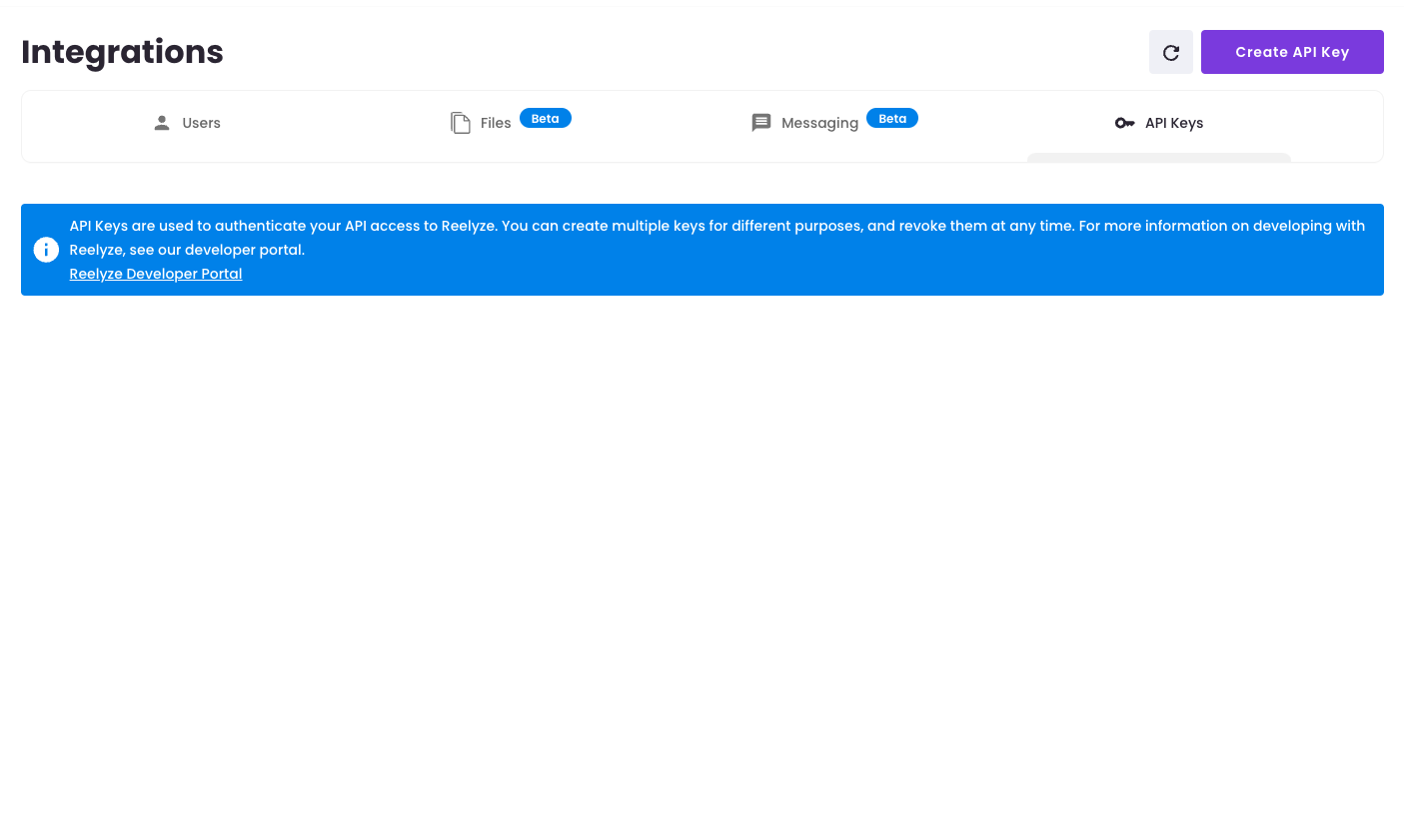
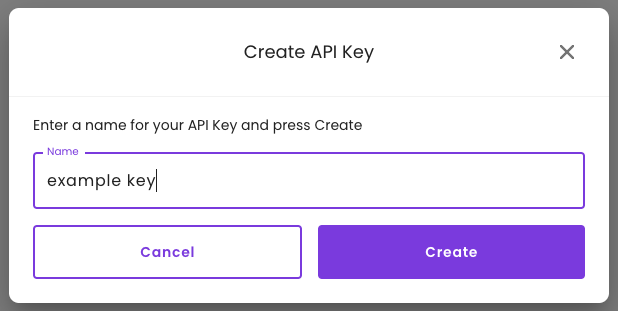
Press the Create API Key button and enter a name for your key
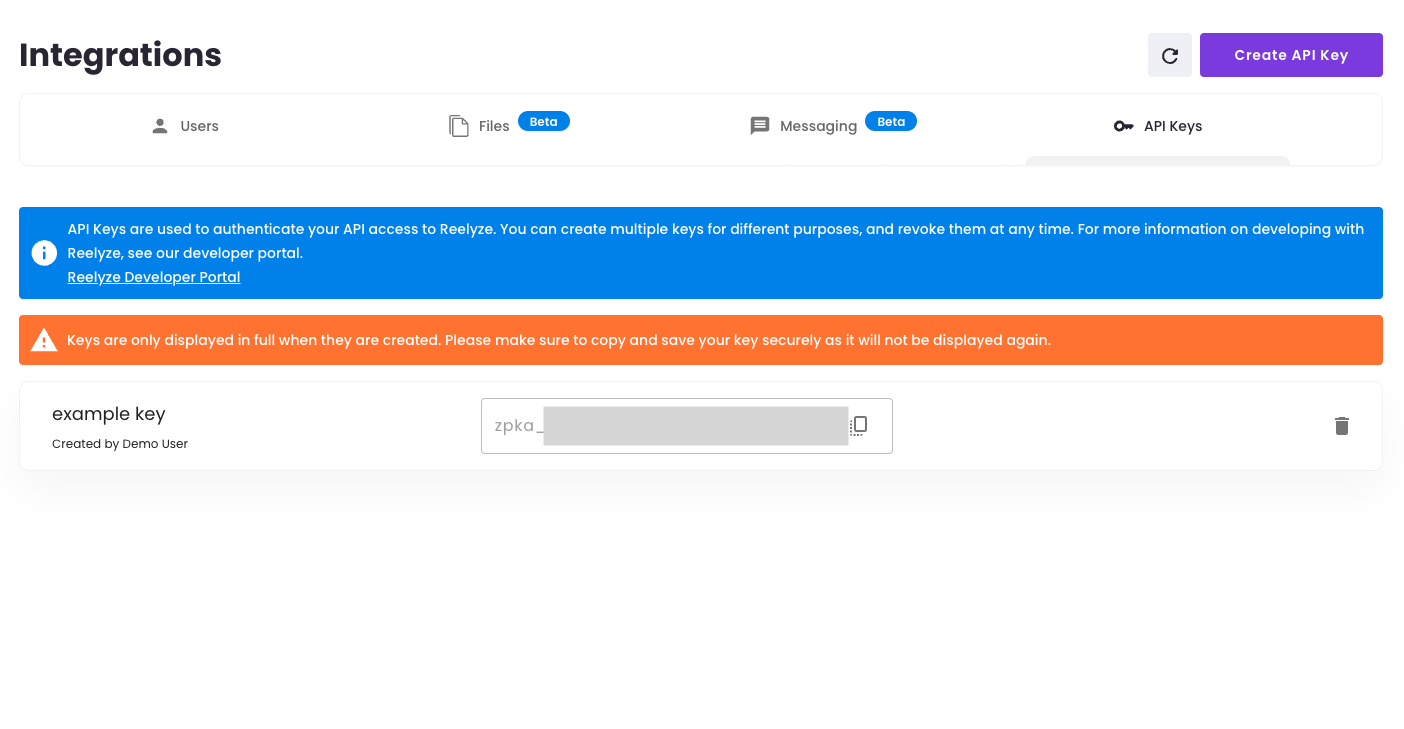
Make sure to copy and store your new key before you leave this page as it will not be displayed again!
Secure Storage
Your API Keys provide priviledged access to your data on Reelyze and so you should ensure they are never stored in plain text or in unsecure locations - for example in your source code!
Use an appropriate secret store for your client implementation to ensure that keys are only available to authorised parts of your application at runtime.
Last modified on